

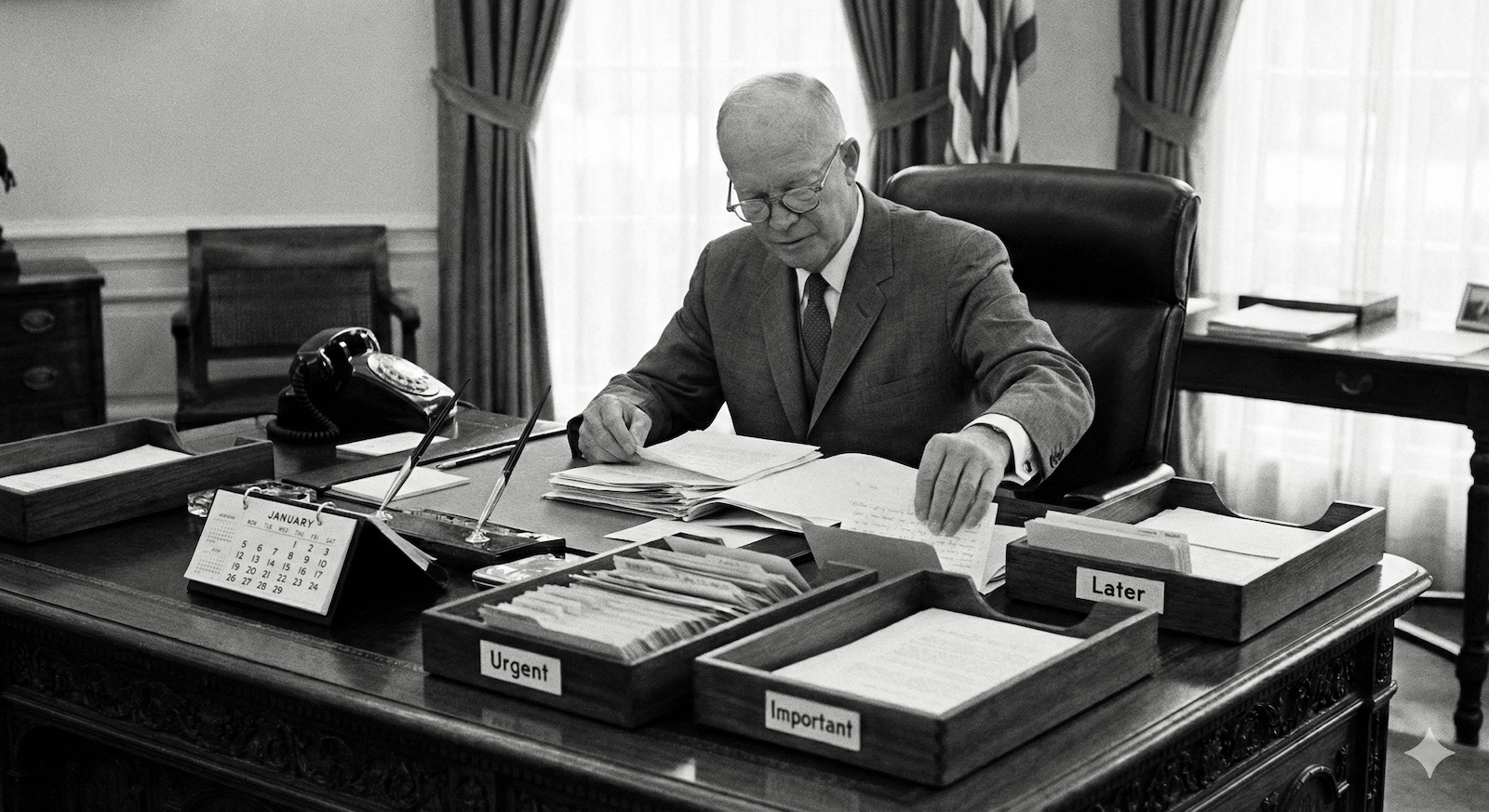
To indicate the credibility of a thing, it’s nice to be able to say that the thing is “award-winning.”1 In the case of the Eisenhower Matrix, the more accurate laudatory descriptor would be “war-winning”. Before he was elected president, General Dwight Eisenhower was Supreme Allied Commander in Europe during World War II, responsible for planning the D-Day landings. It was a big project — he had a lot of tasks! To stay organized, he used a system that we know by his name, the Eisenhower Matrix.
We just published a free, online Eisenhower Matrix tool. Check it out and let us know what you think!
About the Eisenhower Matrix
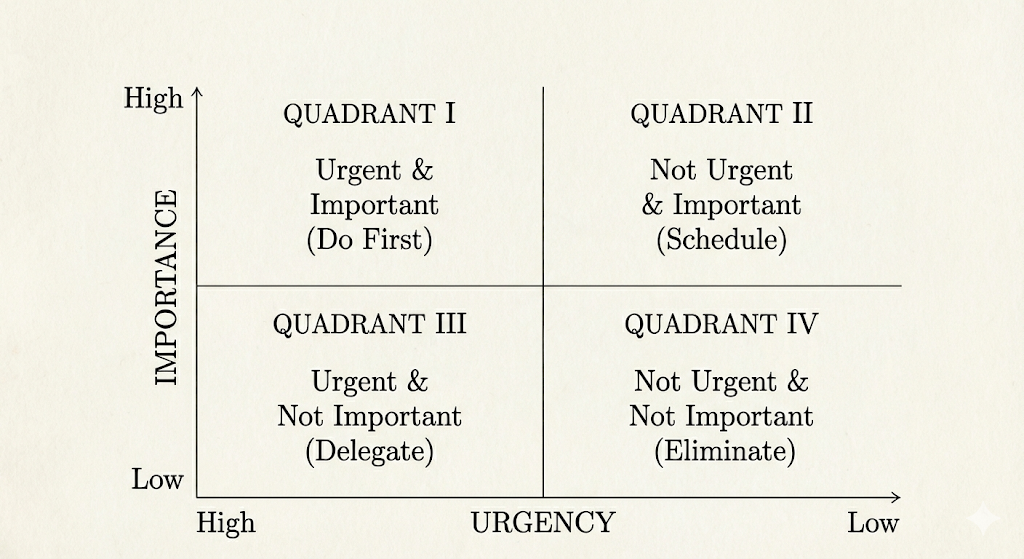
Eisenhower observed that tasks that seemed urgent were not always important, and tasks that are actually important often lacked urgency. Left unaddressed, this would result in completing urgent but unimportant work at the expense of truly critical duties. His prioritization matrix organizes tasks into four quadrants based on whether they are urgent, or not, and important, or not. There is an instruction associated with each quadrant: do first, schedule for later, delegate to someone else, or eliminate and decide not to do at all.
Making a simple online Eisenhower Matrix tool with the help of AI
Just a few months ago, we shared our new reading time calculator tool, which was vibecoded with the help of AI. At the time, we explained how it was pretty incredible what the AI was able to do, but there were definitely some hiccups. Suffice it to say that robot would not have been offered a full-time job.
After a few months’ hiatus, we got back at it this week. The concept: a simple, online Eisenhower Matrix tool for prioritizing tasks. Our search for such a tool led us to many printable templates and PDFs, but nothing that could be organized right away on-screen in the browser. Who even has a printer these days? We wanted a tool we could start using right away, not print out and scribble on. (Or try to print, run out of ink2, curse a bit, etc.)
And…we did it; the tool is now live, and you should give it a spin at the link above. But the experience making this was very different from our Reading Time Calculator.
It took just 22 minutes to build and publish our latest tool with Gemini’s help.
The initial prompt to Gemini was just 16 words. We used Gemini 3 Pro with Canvas, and after a couple tweaks here and there, voila! Version 1 of our tool was up and running. At this point, I’m having so much fun using it that I don’t have a thought to spare for what this experience portends for the economy, the software industry, or humanity and life as we know it.